 Now live on Fire OS
Your sources.
One clean player.
STBPlay plays the playlists and provider accounts you already have, in a simple layout built for the big screen and for your phone. No ads. No tracking. No account with us.
One app, many screens
STBPlay is live on Fire OS today and is coming to more platforms.
Android
Phones, tablets and Android TV devices.
Apple
iPhone, iPad and Apple TV.
Vega OS
On the way to Vega OS devices.
Roku TV
On the way to Roku devices.
Samsung Tizen OS
On the way to Samsung smart TVs.
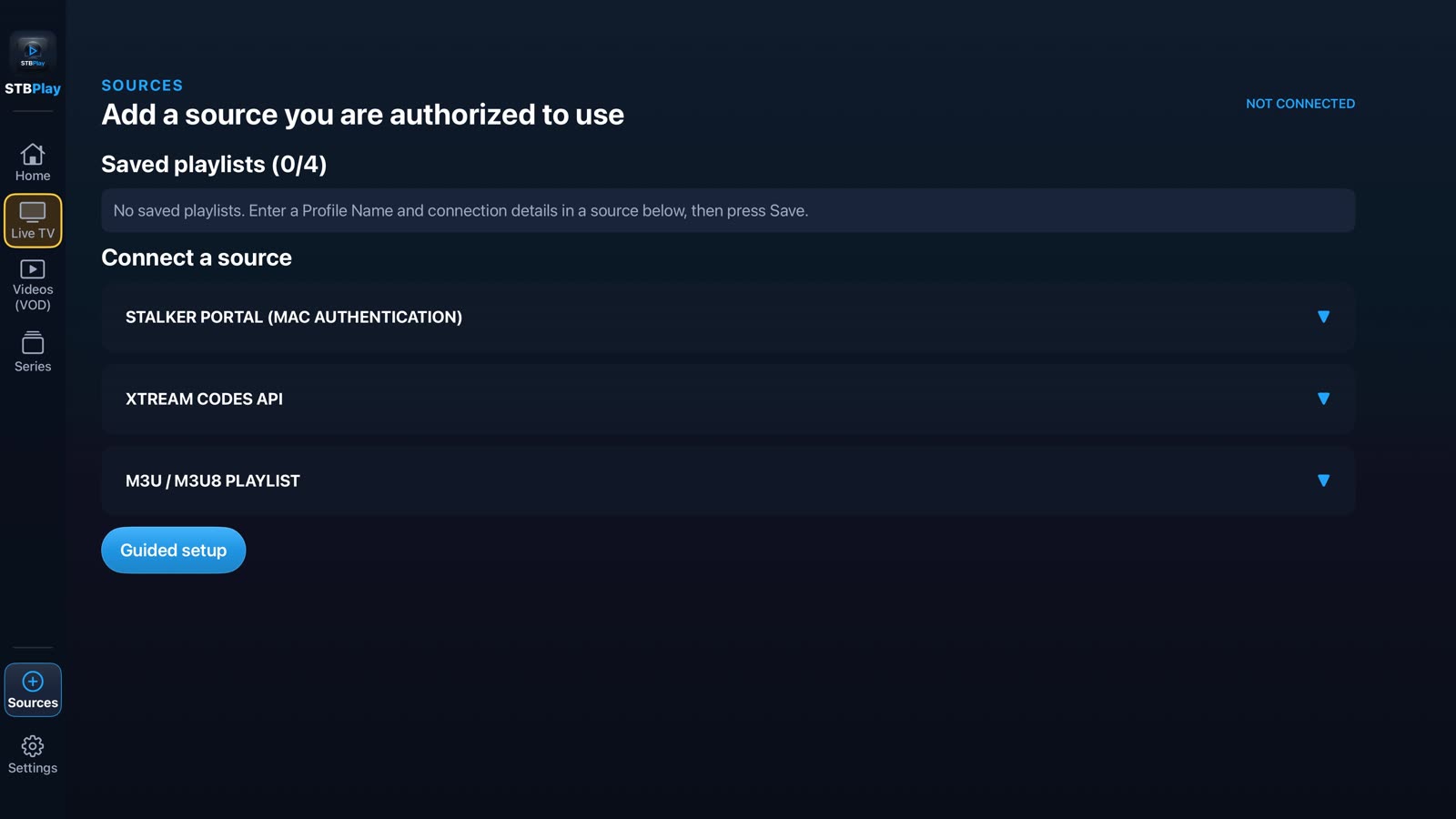
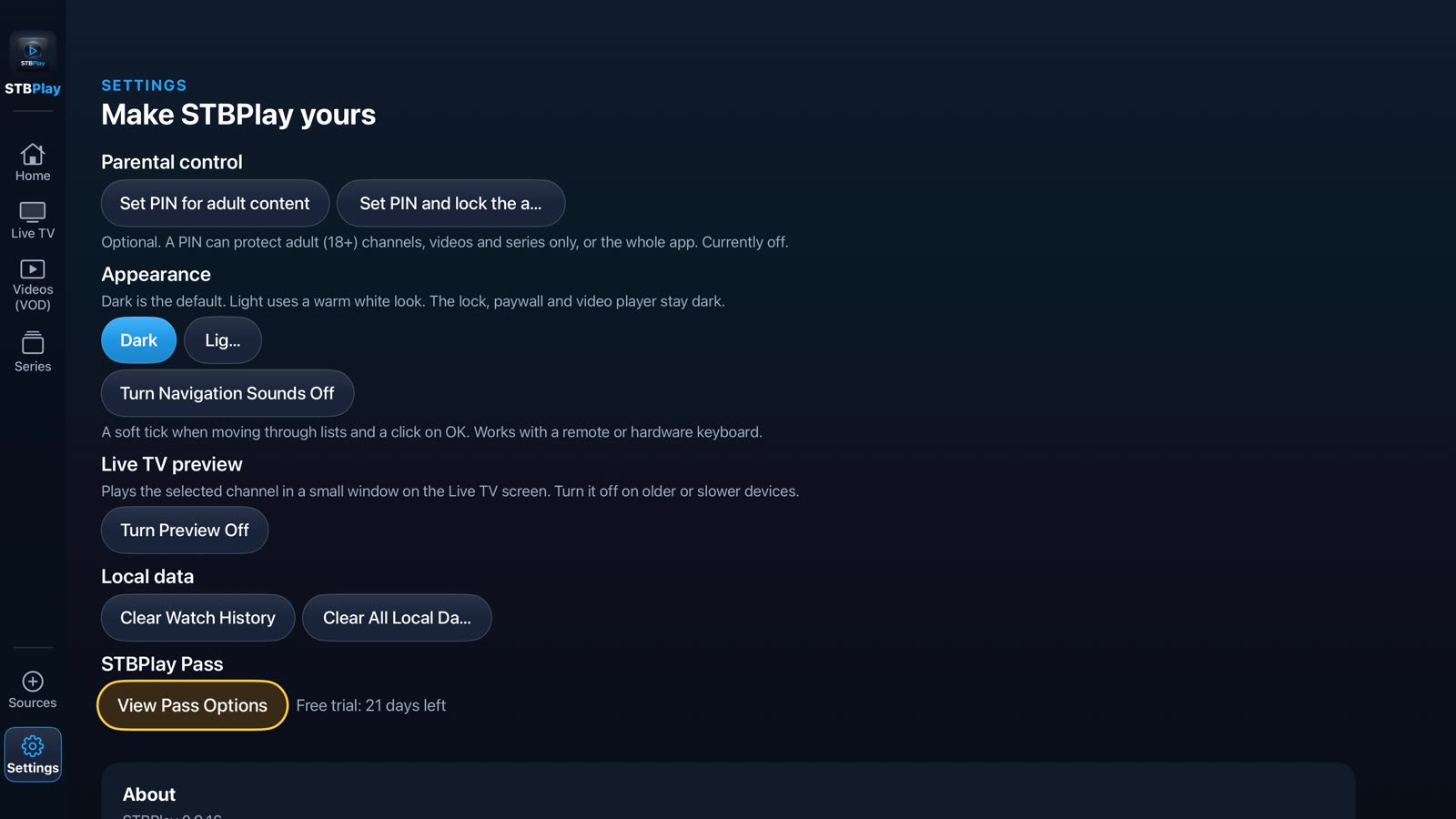
A look at the app
Clean, dark and easy to read from the sofa. Preview shown on Apple TV.
Why STBPlay
A focused player that stays out of your way.
Live TV, Videos and Series
Browse your own sources in a clean list with categories and search.
Bring your own source
Add M3U / M3U8 playlists, Xtream-style provider accounts and Stalker-style portals.
Made for the remote
Easy navigation with a TV remote, and touch controls on phones and tablets.
Private by design
No STBPlay account and no server of ours. Your sources and history stay on your device. No ads, no analytics.
PIN lock
Lock adult-labelled categories behind your own PIN. It helps, but does not replace parental supervision.
Simple pricing
Try free for 30 days, then choose a 1 Month or 1 Year pass. One payment, no automatic renewal.
How it works
Three steps from install to playing.
Install
Get STBPlay from the store on your device.
Add your source
Enter the playlist or provider details you already have.
Press play
Browse Live TV, Videos and Series and start watching.
Please note: STBPlay is a player only. It does not provide channels, movies, series or playlists. You are responsible for using only sources you have the right to use. Quality and availability depend on your provider and your network.